
Introduction
Introduction
Hi everyone, my name is Thomas and I'm currently a trainer with my organisation.
Training is something that is always close to my heart, as it is something that not only benefits me, but others as well. To be able to see my course participants learn something new and enhance their knowledge bank is something that is especially fulfilling to me.
Being in the training arena also pushes me to constantly learn and innovate, in terms of training methodology or technology. I firmly believe that there's no end to the learning journey and one can even learn new things from things that they are already very familiar with.
As quoted by Mr Albert Einstein, "Once you stop learning, you start dying". This quote has always kept me on my toes and motivated me to learn more.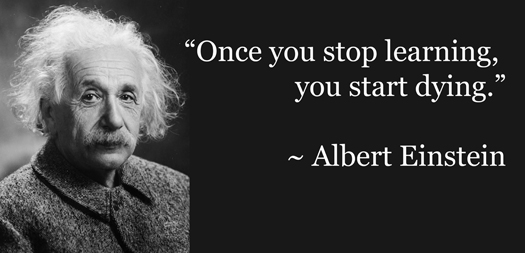





According to Wikipedia, Lifelong learning is the "ongoing, voluntary, and self-motivated" pursuit of knowledge for either personal or professional reasons. Therefore, it not only enhances social inclusion, active citizenship, and personal development, but also self-sustainability, as well as competitiveness and employability.
There are several tools that we can utilise for lifelong learning. Personally I would recommend the use of YouTube for lifelong learning. There is a reason why people said that you can get a university degree by learning off YouTube videos. YouTube is one of the largest search engine besides Google, and increasingly, people searched YouTube videos not only for entertainment but for education & learning as well. YouTube is now not only home to many highly entertaining videos, but also many highly educational videos.
Using YouTube as a lifelong learning tool has many advantages. Unlike learning from traditional school setting, YouTube allows learners to learn at their own pace. Learners can rewind or pause the video and digest the content before moving on. Learners also don’t feel pressured because there’s no impatient teacher on the other end yelling and asking them to hurry up before the bell rings.
YouTube has also made searched for educational content more hassle-free by having dedicated learning channels, such as the YouTube EDU channel.
YouTube EDU – Google’s YouTube Education channel. Lots of great educational content, lectures and conference talks conveniently organized.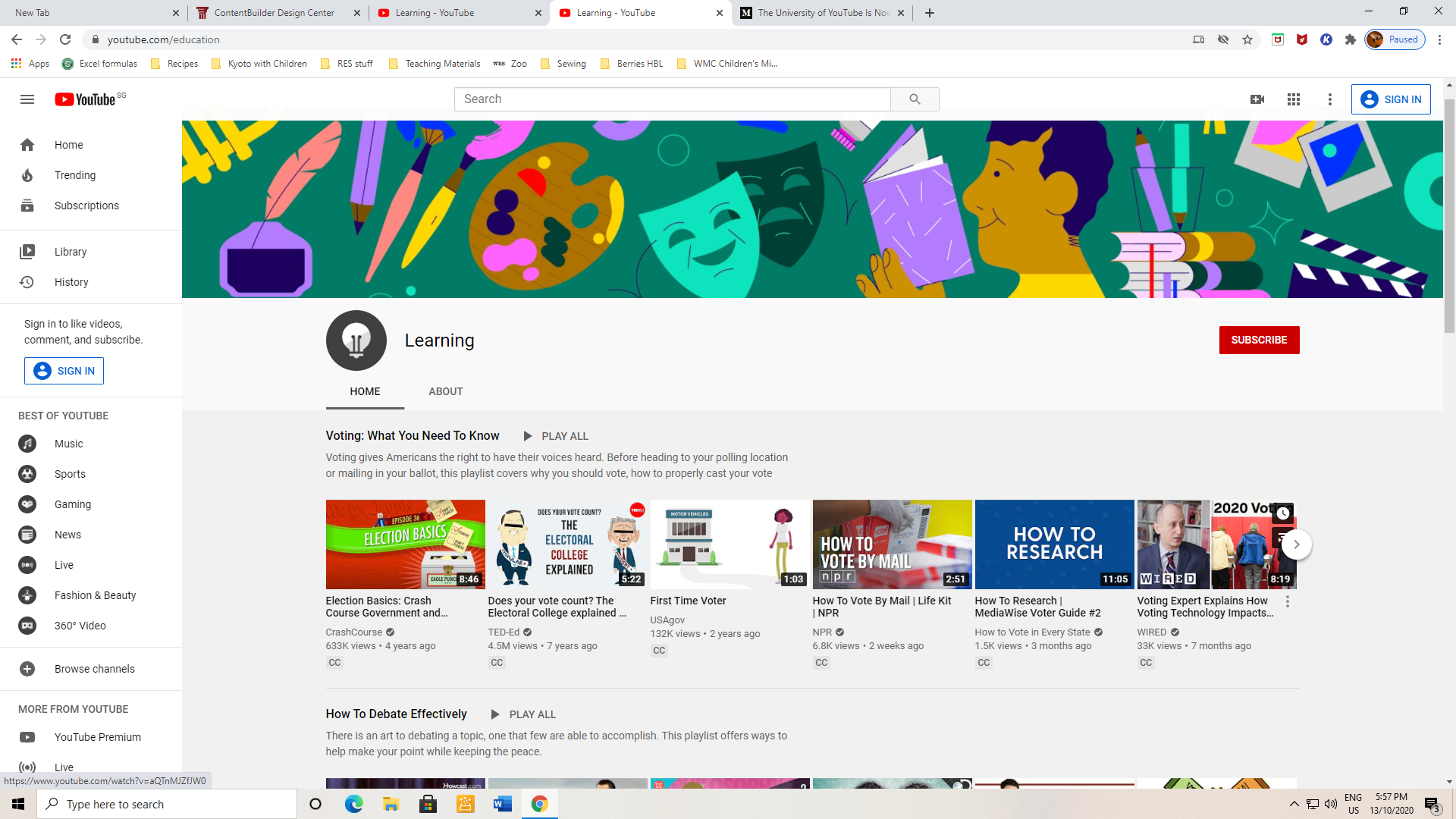
There are plenty of communication & Collaboration tools in the market. However, Kahoot! is my favourite. Why? Simply because it is easy to use and fun for the users! Communication and collaboration is made much easier using this tool as course participants would enjoy using the tool.
So... What is Kahoot!?
According to Wikipedia, Kahoot! is a game-based learning platform, used as educational technology in schools and other educational institutions. Its learning games, "Kahoots", are user-generated multiple-choice quizzes that can be accessed via a web browser or the Kahoot app.
For those of you who are not familiar with Kahoot!, the YouTube video (yes, it's learning through YouTube) below tells us what is Kahoot! & how it works.
YouTube Video Link -> Kahoot!
I've used Kahoot! for some of my training topics, one of which is the security audit process.
Here is the Kahoot! link to the security audit process game that I've made -> Security Audit Process Game. Game PIN: 01888404. The challlenge game ends on Nov 9 2020, 12:00 pm. So do try out the game before that. Enjoy!
To provide you with a flavour of what the game looks like, I've included a snapshot of one of the questions below as well.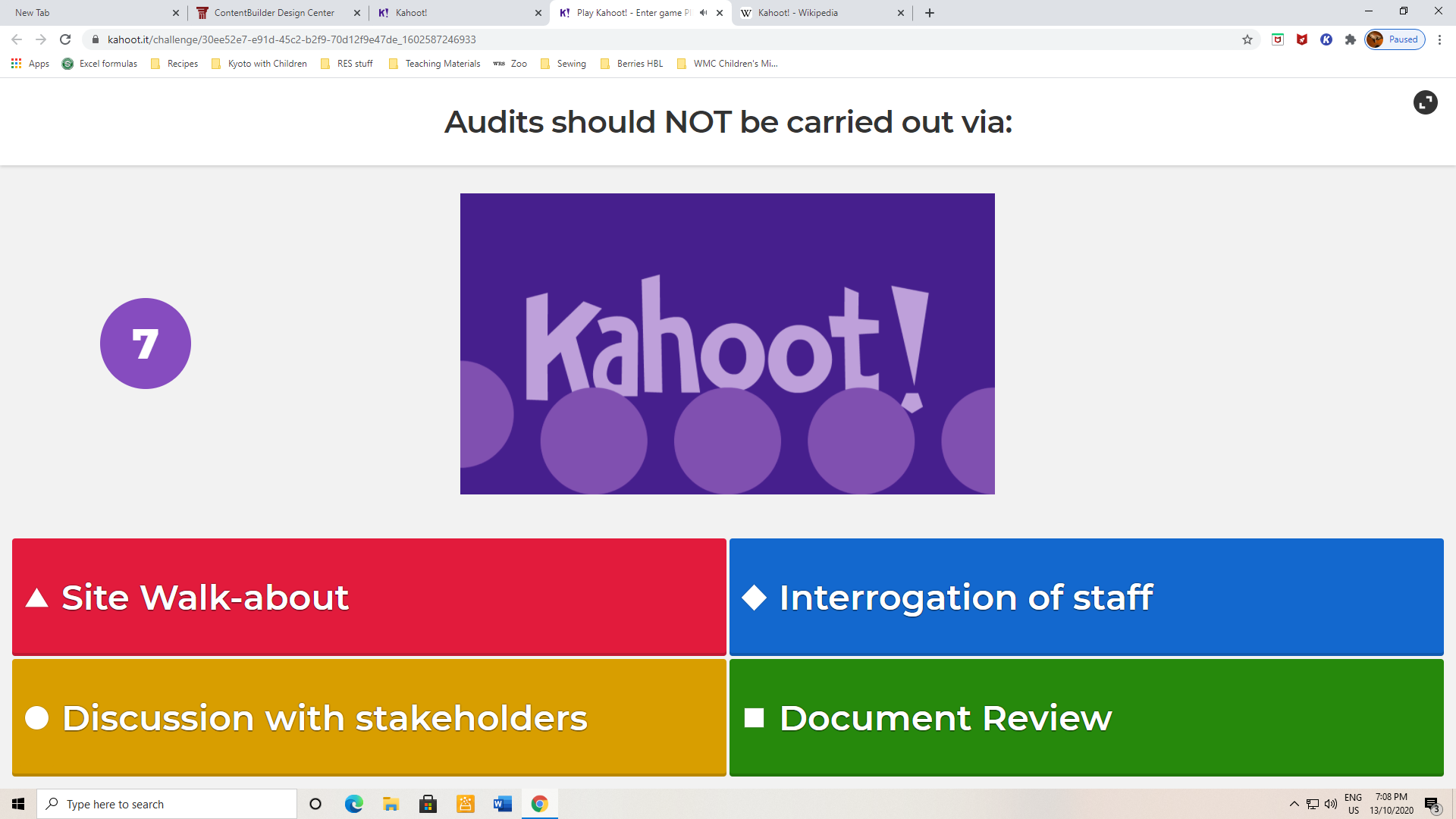
There are plenty of free-to-use graphic design tools in the market but a lot of them are quite complicated to use. Personally, I would prefer to use Snappa for creative graphics as it is a simple free-to-use online graphic tool that can be used by non-designers to create a wide range of graphics for social media, display ads, blog posts, and more. All you have to do is to create a free account and you can either create your own graphic or select from tons of graphic templates available.
I've used Snappa to create simple graphics which can be used for my training. The tool can also be used by course participants to design simple graphics to explain their assignments / group work.
You can refer to the Snappa website below for more information:
https://snappa.com/app
Below is a snapshot of the graphic design created using the Snappa online tool:
For critical thinking, I would like to recommend the use of Quizlet. Firstly, again, it is very easy to use and create even to first time users. All you have to do is to create a free user account and you can start creating.
Quizlet has a number of powerful interactive learning tools, such as:
– Creating flashcards
– Memory games
– Race against the clock Matching games
– Listen to automatic pronunciations in 18 languages
– Enhance studying with images and audio
Quizlet Live is also available and is a collaborative learning game for the classroom to allow teams of students to work together, racing to learn the material in a Quizlet study set. These features also allow course participants to think hard and think deep to be able to answer the quiz questions.
Below is the link to the Quizlet website:
https://quizlet.com/
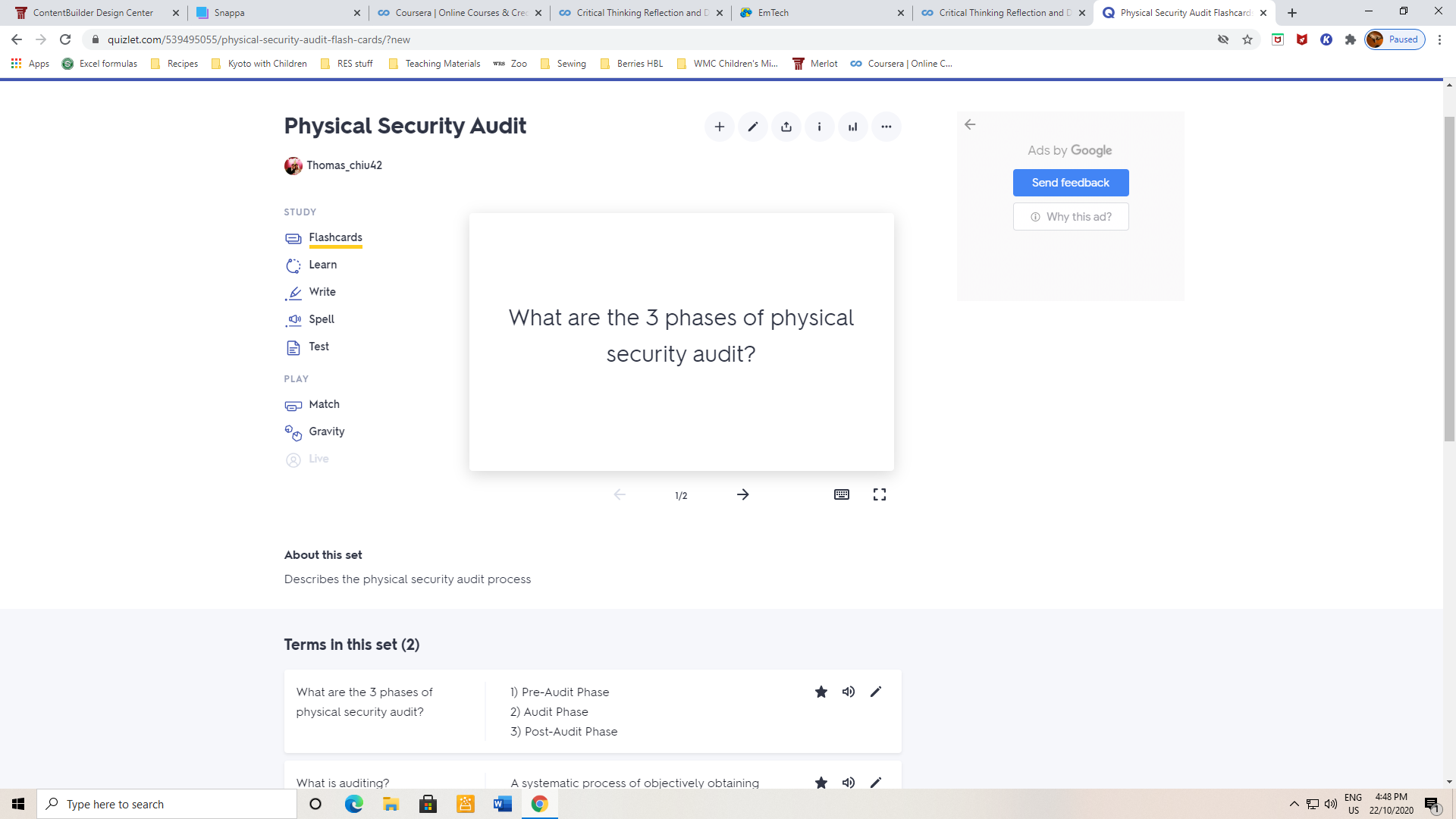
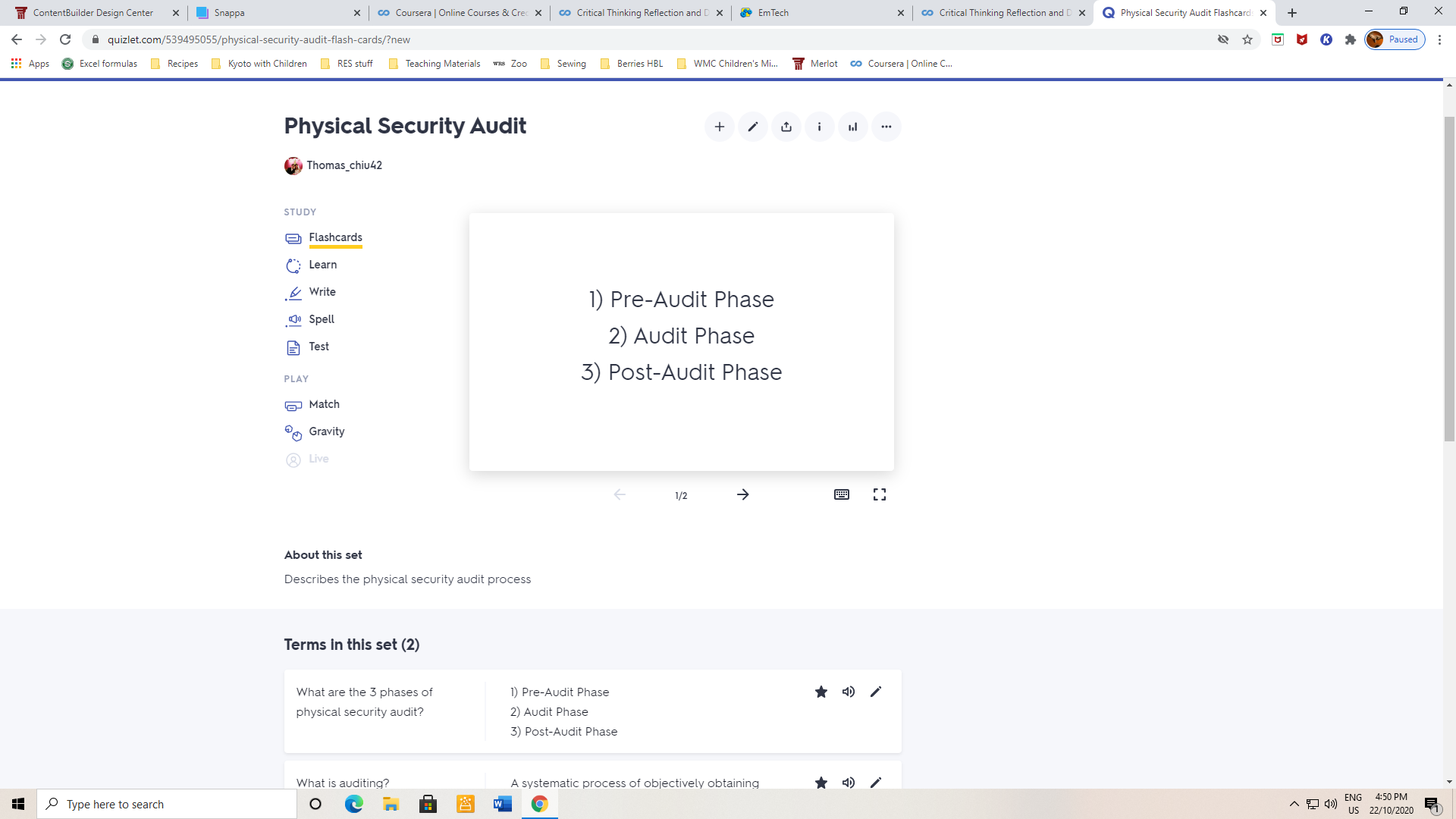
I find that the memory flashcard function is particularly useful as it helps to convey bite-size information to course participants for better information retention. The questions and answers can be easily created. After creation, the course participant just need to click on the question and the answer will come out.
Below is a screenshot of the memory flashcard I've created for security audit, the question as well as the answers.
Wow, little did I know that I've written so much for my e-portfolio!
To summarise, I had written my reflection on the following:
- For Lifelong Learning, I had reflected on the use of YouTube, particularly YouTube EDU
- For Communication and Collaboration, I had reflected on the use of Kahoot! I've also created a simple quiz for you to challenge yourself!
- For Creativity, I had reflected on the use of Snappa to create simple graphics for use in training.
- For Critical Thinking, I had reflected on the use of Quizlet, with focus on the memory card for bite-sized learning.
The way we learn is always evolving and it is therefore important for us to be able to keep abreast with the technological advances in the learning tools that are available to us. With more and more of such emerging technological tools available in the market, we can choose those that best meet our needs.
Throughout my reflections, the learning tools that I've chosen are all easy to use platforms that even first time users will be able to use. This is of importance to me as I do not want to waste time learning how to use the tool to create simple designs or artifacts for my training. Technological tools are supposed to make our work easier, so I will tend to choose those that are easy for me to use.
Going through this e-learning module is a long but interesting journey for me. Besides the tools that I've reflected on, I get to know a lot of other useful and simple to use tools that I can use as well.
So I'm going off now to try out the new tools that I've came across. Thank you for reading my e-portfolio! :)